




Tukar dan Konversi Livin'poin
Tukar dan Konversi Poin R23 11 APR
How to Check Your Livin’poin Earnings and Usage
Track your points earned, redemption history, and all yourLivin’poin transactions here.
Redeem Livin'poin
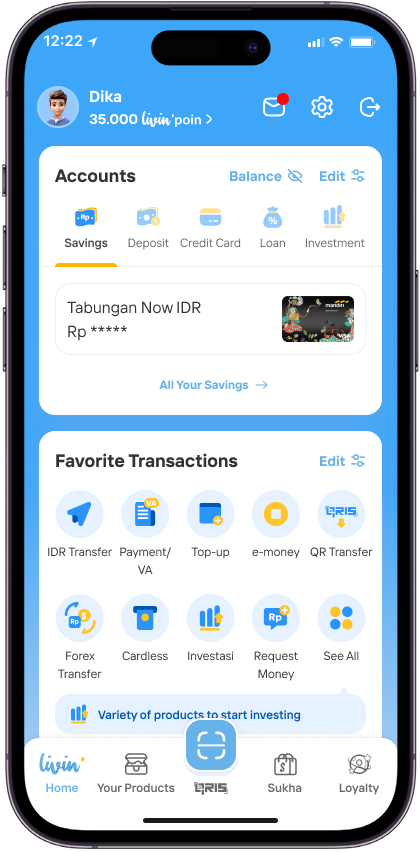
Click Livin’poin
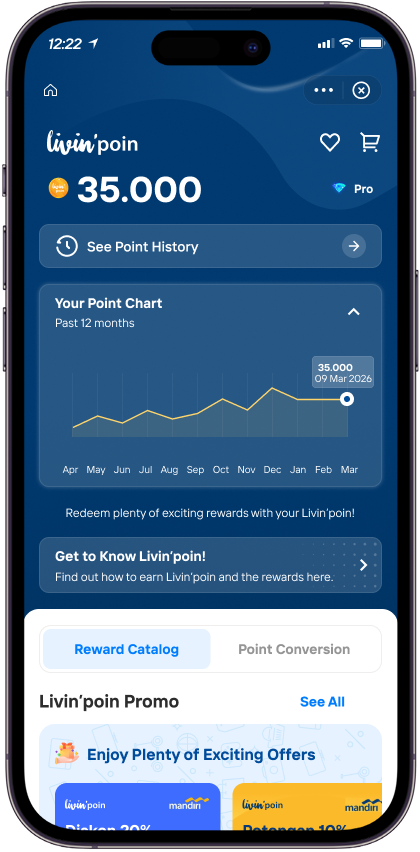
Go to Reward Catalog menu
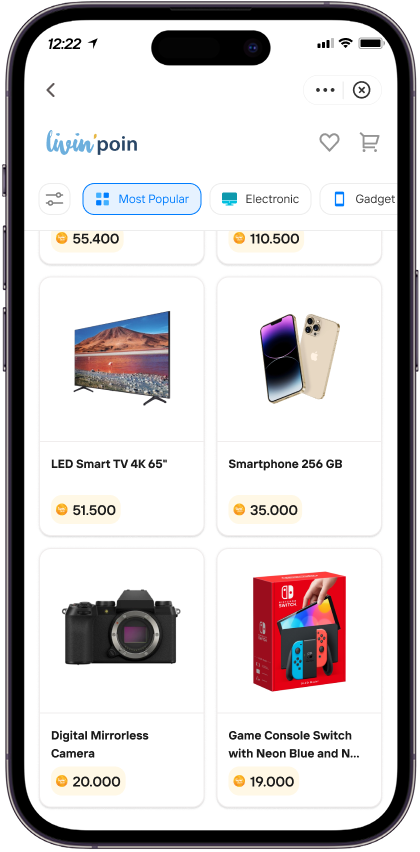
Choose a reward you would like to redeem based on your points
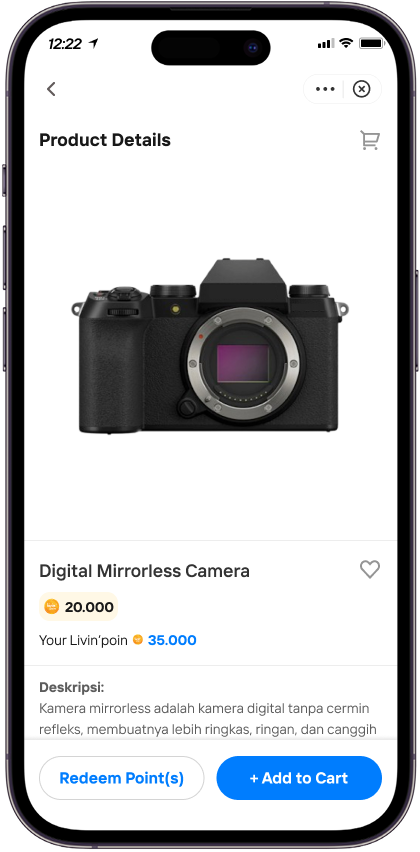
Click Redeem Point(s)
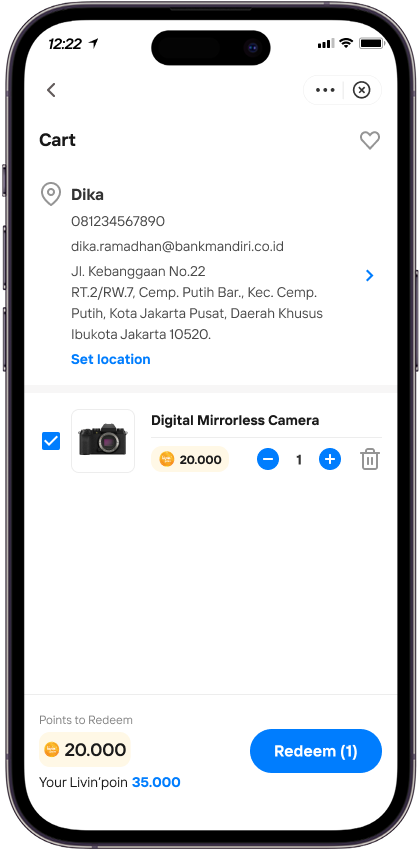
Enter the shipping address correctly, then click Redeem
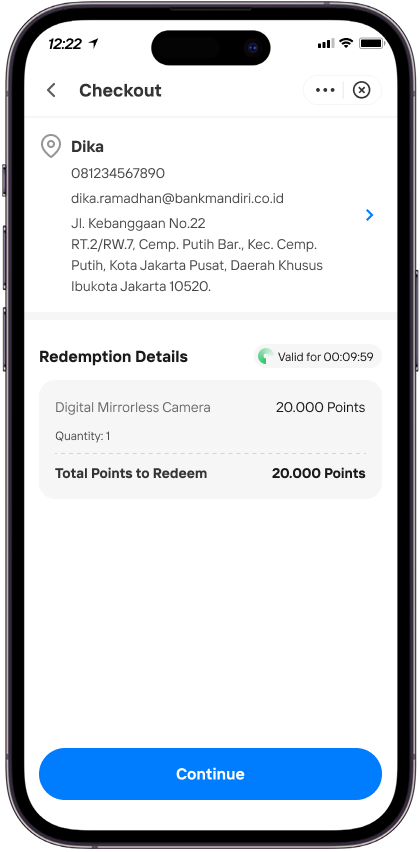
Check and confirm your order, then click Continue
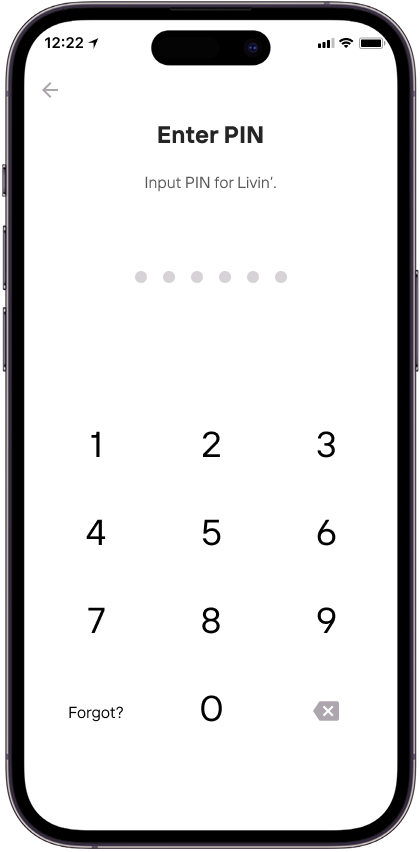
Enter Livin’ PIN
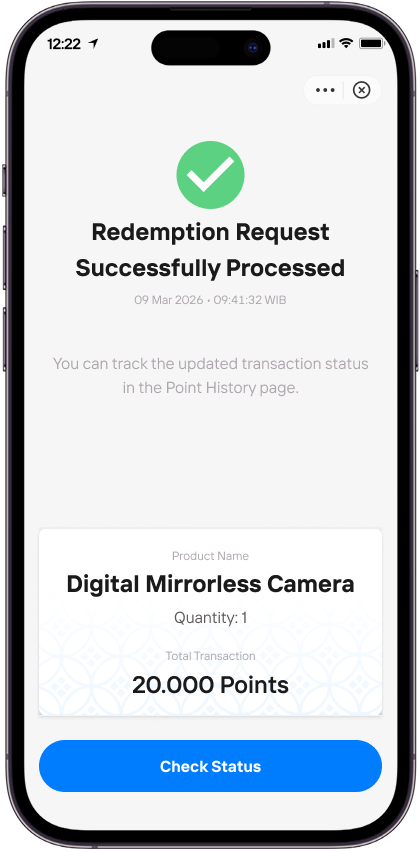
Your Livin’poin redemption was successful! Click “Check Status” to view the delivery progress of your reward
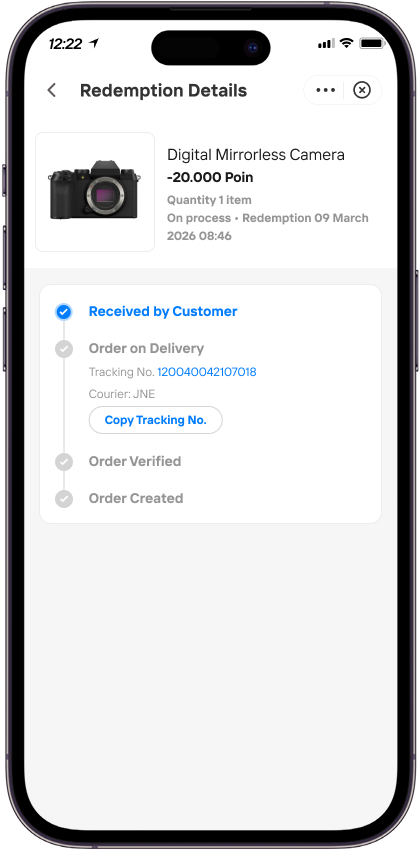
See the details of your delivery progress here
Livin'poin Conversion
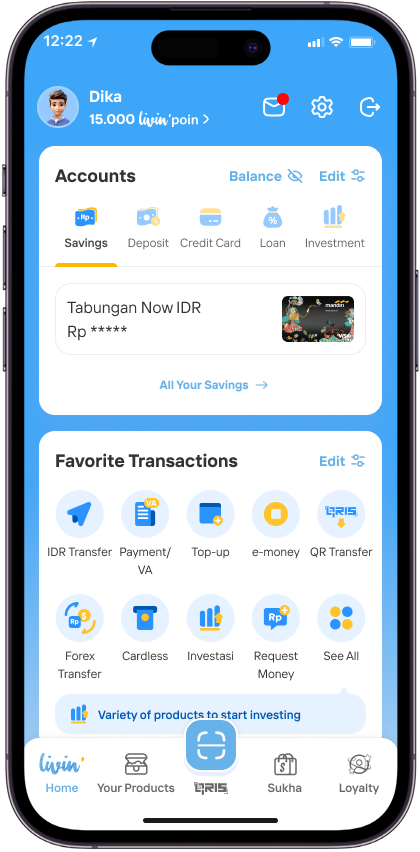
Click Livin’poin
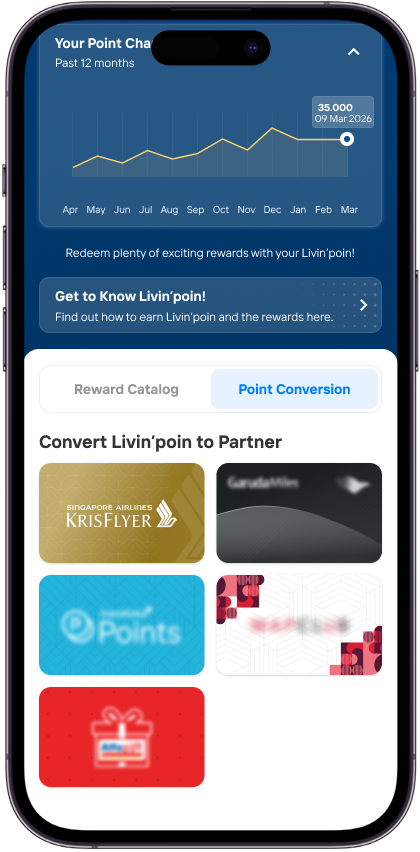
Go to Point Conversion and choose your favorite partner
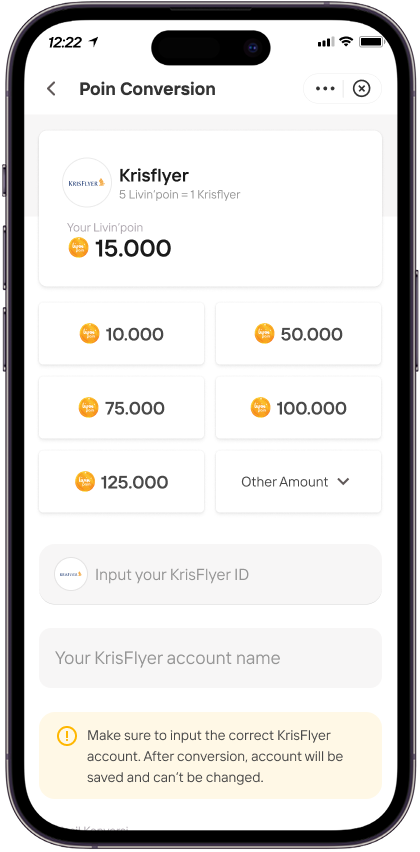
Select the amount of Livin’poin to convert, then complete the details
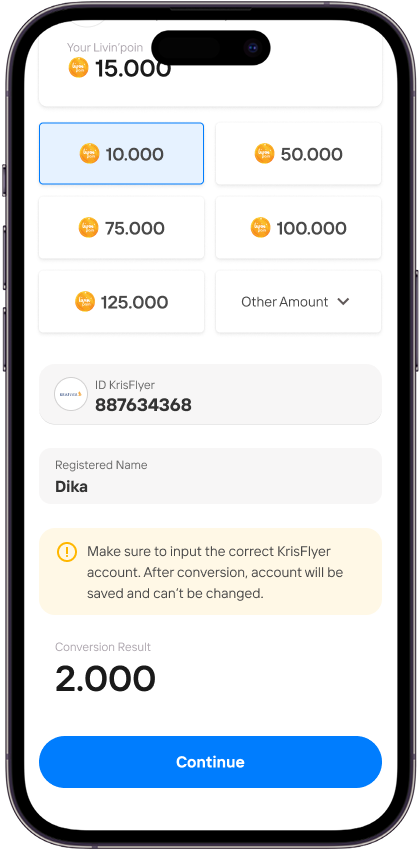
Click Continue
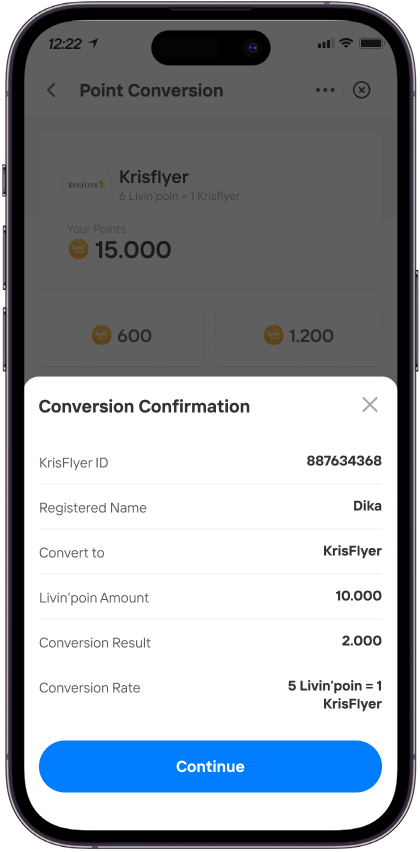
Review and confirm your point conversion, then click Continue
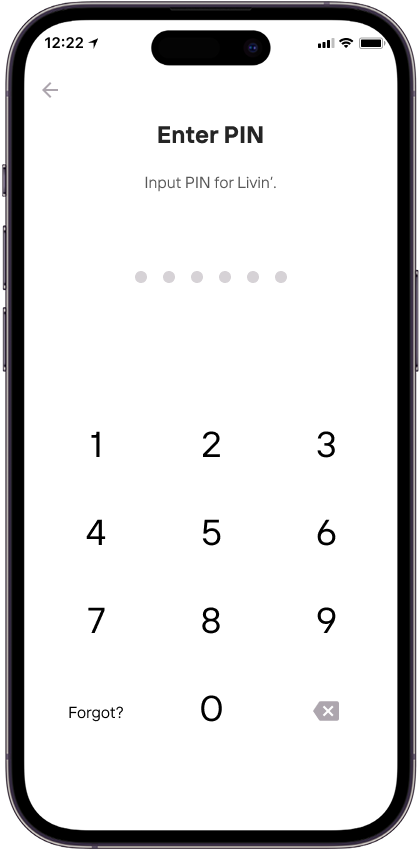
Enter your Livin’ PIN
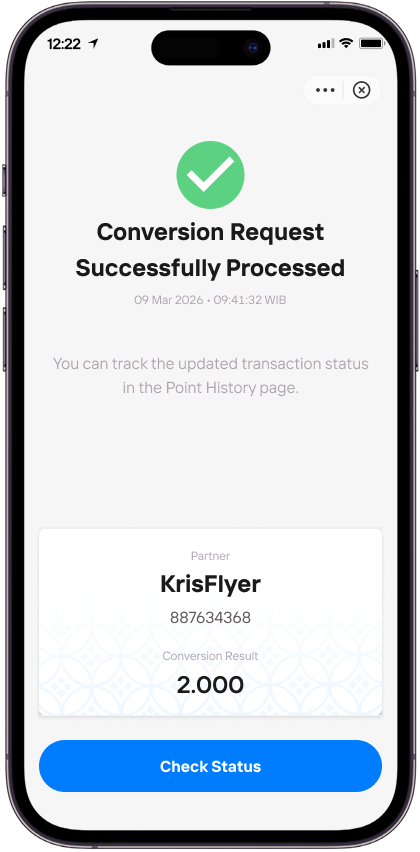
Livin’poin conversion successful!
Livin'poin History
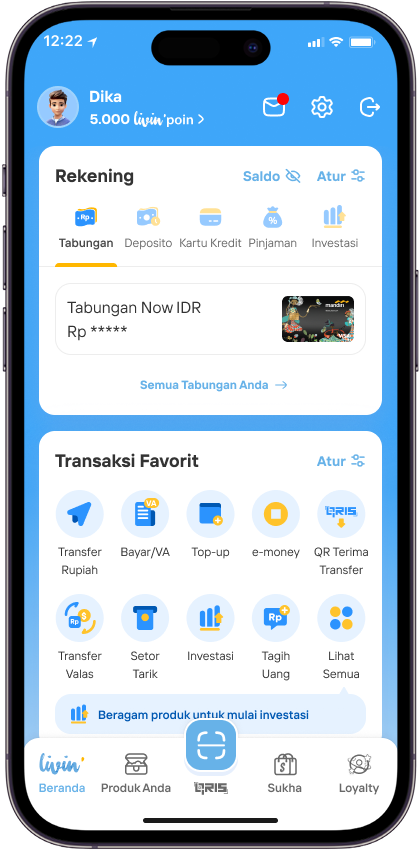
Tap on Livin’poin
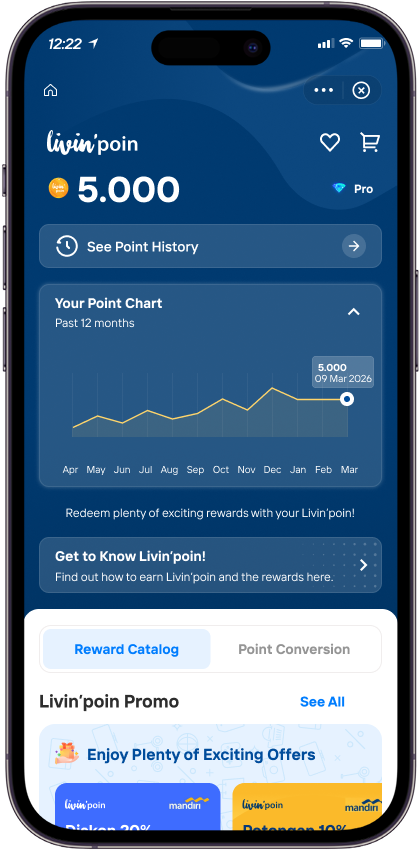
Tap See Point History
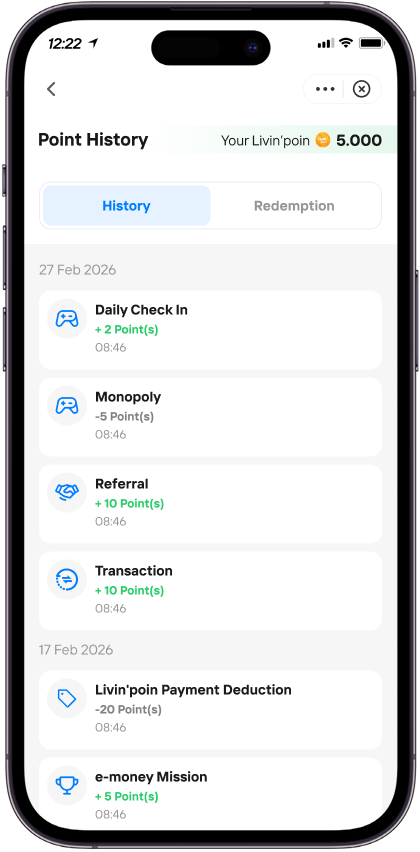
Now you can see all the points you’ve earned from various transactions
Livin'poin Redemption History
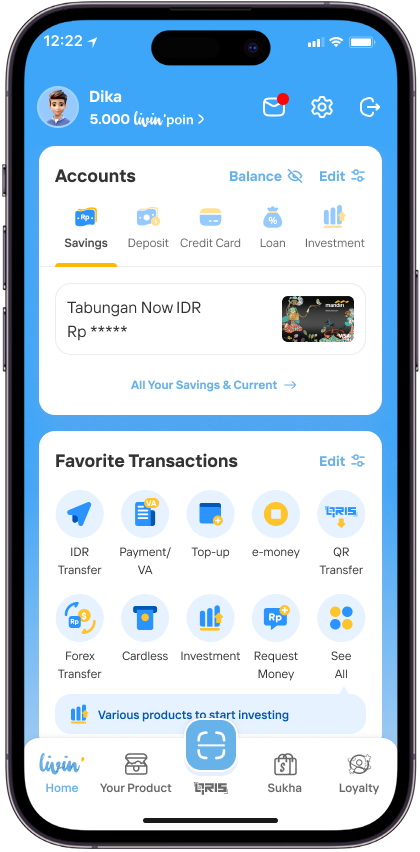
Tap on Livin’poin
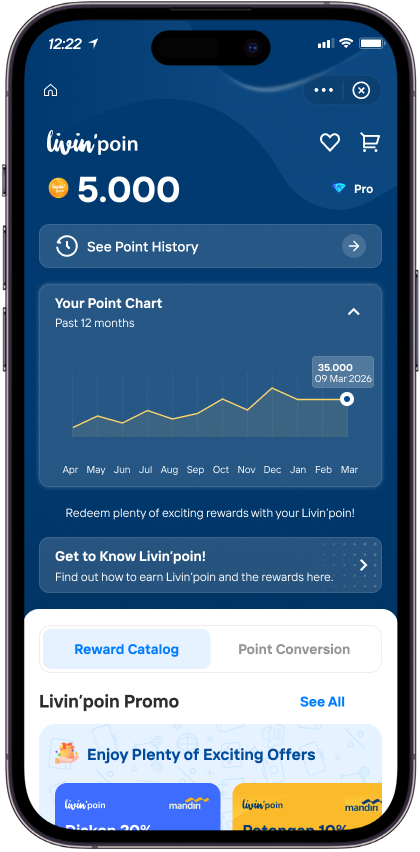
Tap See Point History
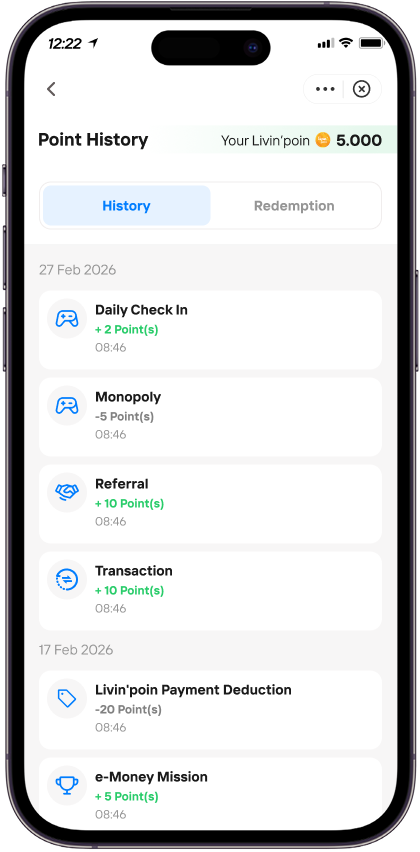
Tap Redemption
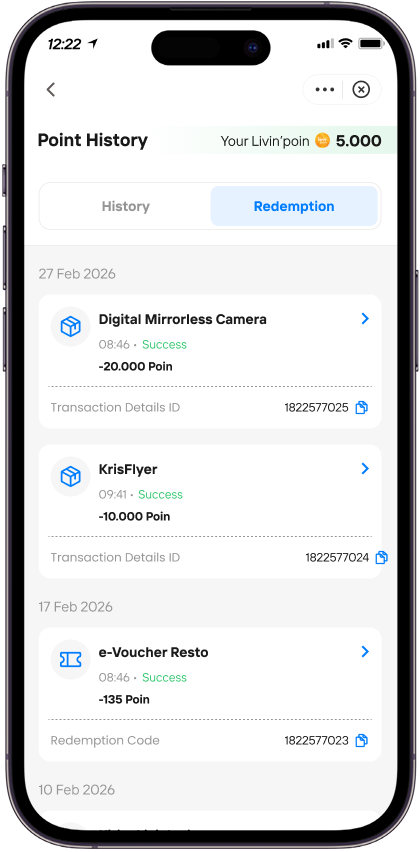
Tap on a transaction to see details
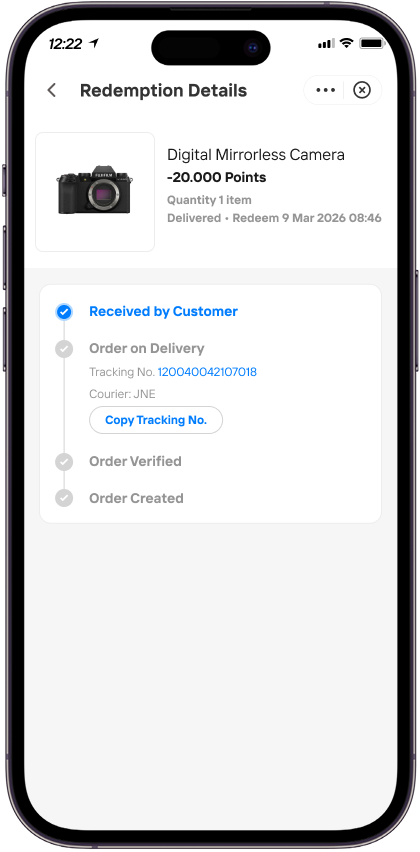
Now you can see your points usage and transaction details
R23 FAQ - Penukaran Livin poin
Frequently Asked Questions
What are the requirements to earn Livin' Points from transactions?
You can check the requirements here: Cara Dapat Livin'poin.
What can I see in push notifications and Livin' Points history?
On Push notifications: Customers can see Livin' Points earned from transactions using savings accounts or credit cards, as well as from the average monthly balance.
Livin' transaction history: Customers can see Livin' Points earned from transactions (savings or credit card), and points used for payments through the QR payment.
How long I will receive Livin' Points notifications and see it in my transaction history?
For Savings account transactions: Notifications are received immediately after the transaction and can be seen in the transaction history.
For Credit card transactions: Notifications are received after the transaction and will appear in the transaction history on the next day (T+1).
What happens if I convert a credit card transaction into credit card instalments?
If a customer converts a credit card transaction into credit card instalments, the Livin' Points that were previously earned will be deducted again.