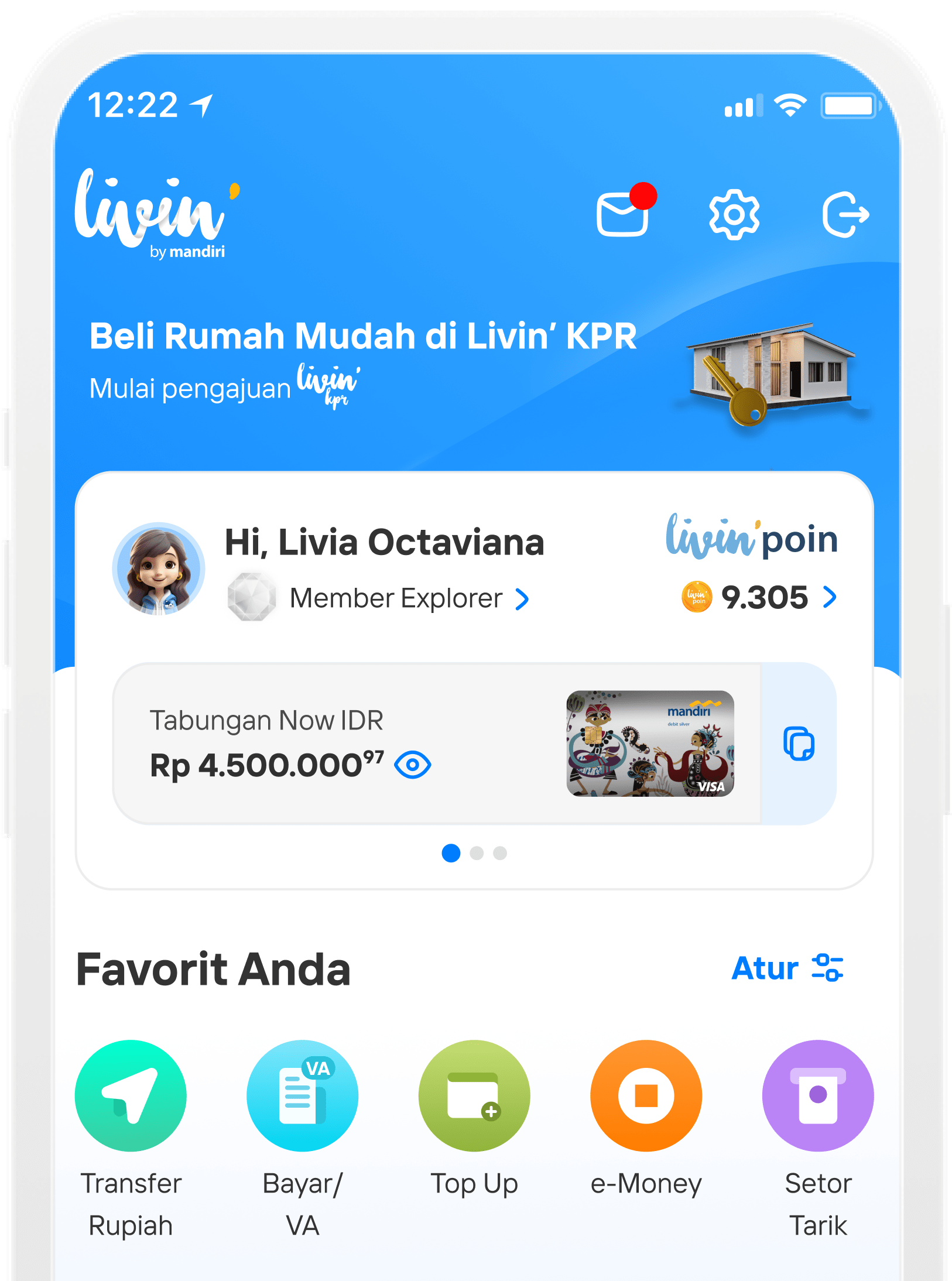




Cara Menggunakan Livin' Paylater di Livin' by Mandiri
Payment payalter r17
How to Use Paylater on Livin' by Mandiri
Discover all the ease of finance transactions on Livin and learn how to use it here.
Paylater Transactions with QRIS
1
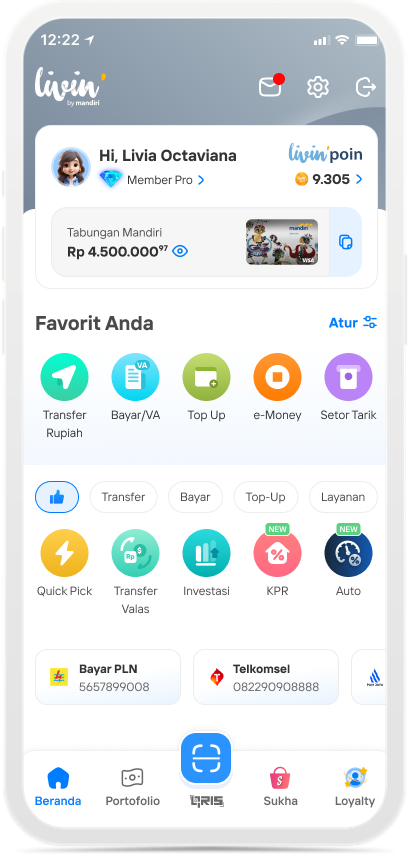
Select QRIS
2
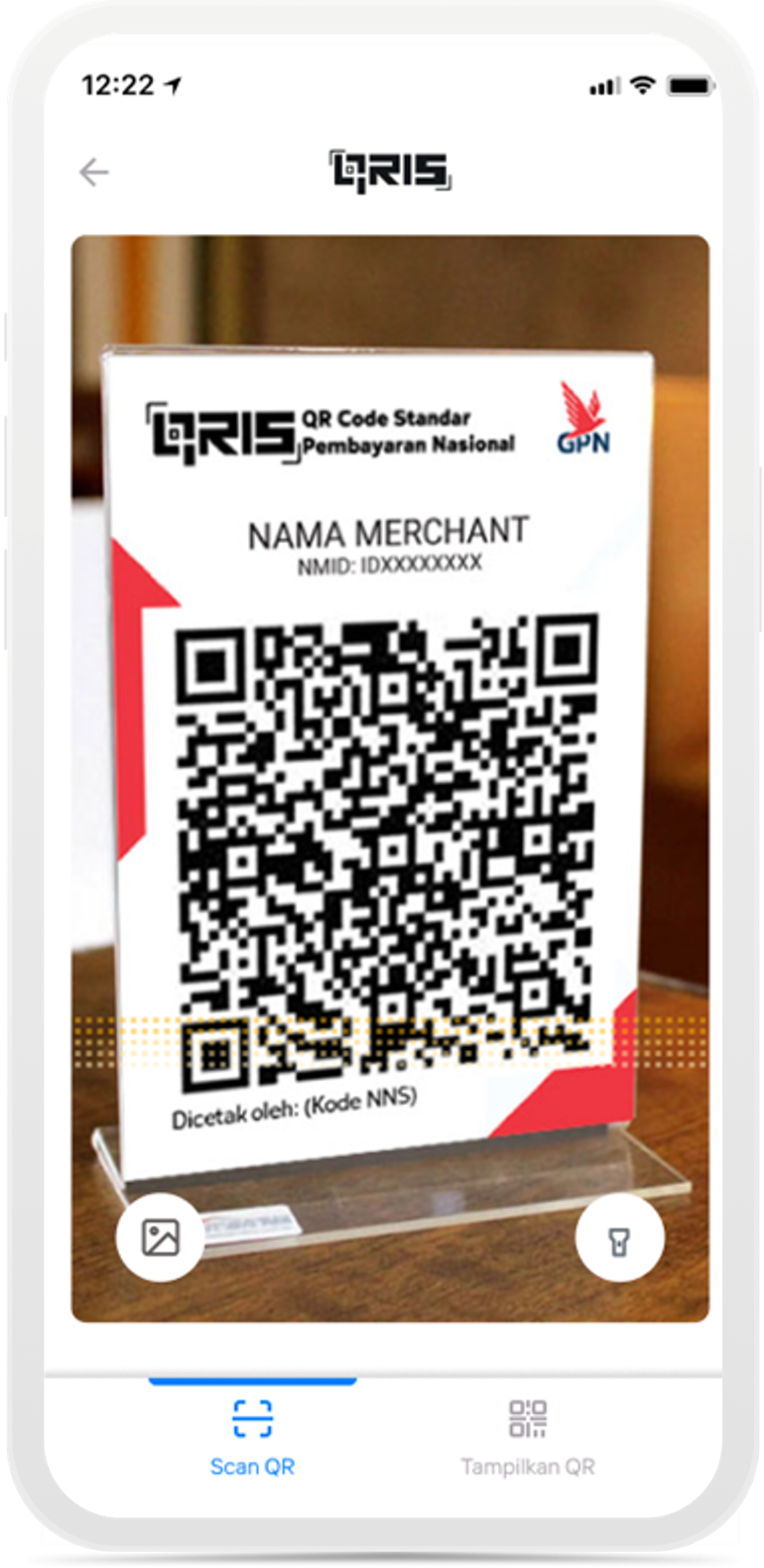
Scan the QRIS Merchant
3

Choose Livin’ Paylater as the funding source, then select “Set Tenor”
4
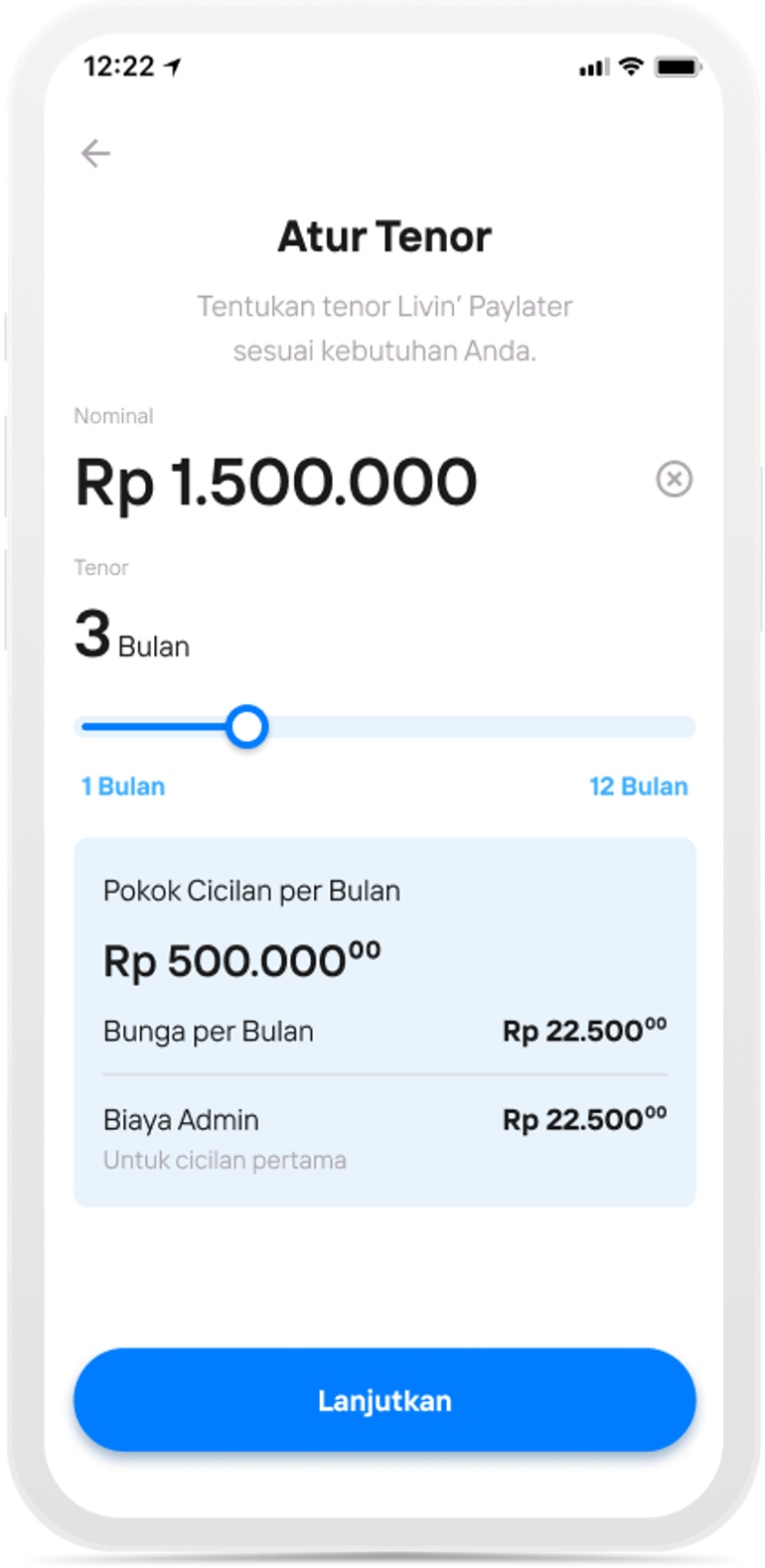
Set the tenor, then select “Continue”
5
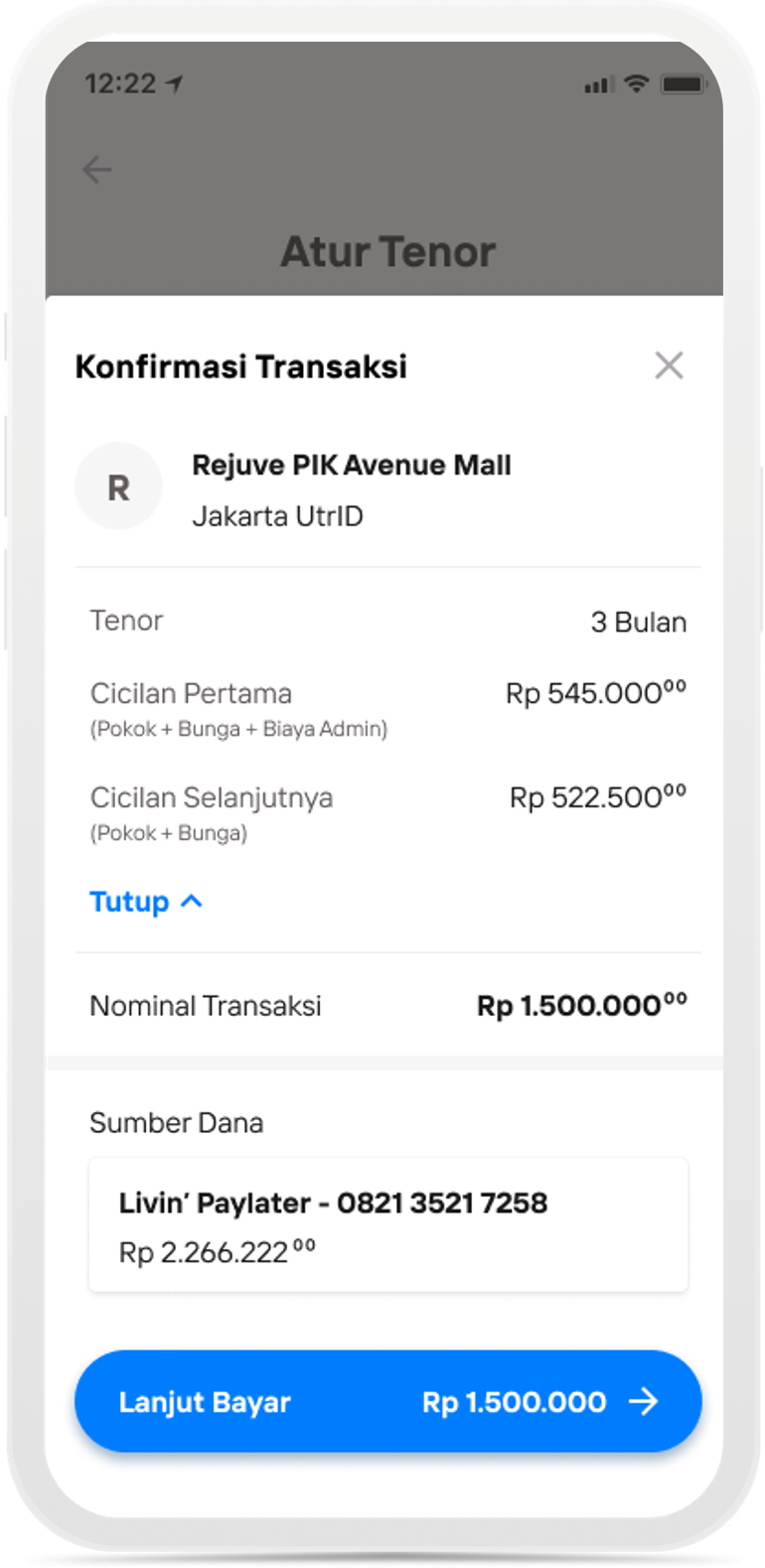
Confirm the transaction, then select Continue to Payment
6

Enter your Livin' PIN
7
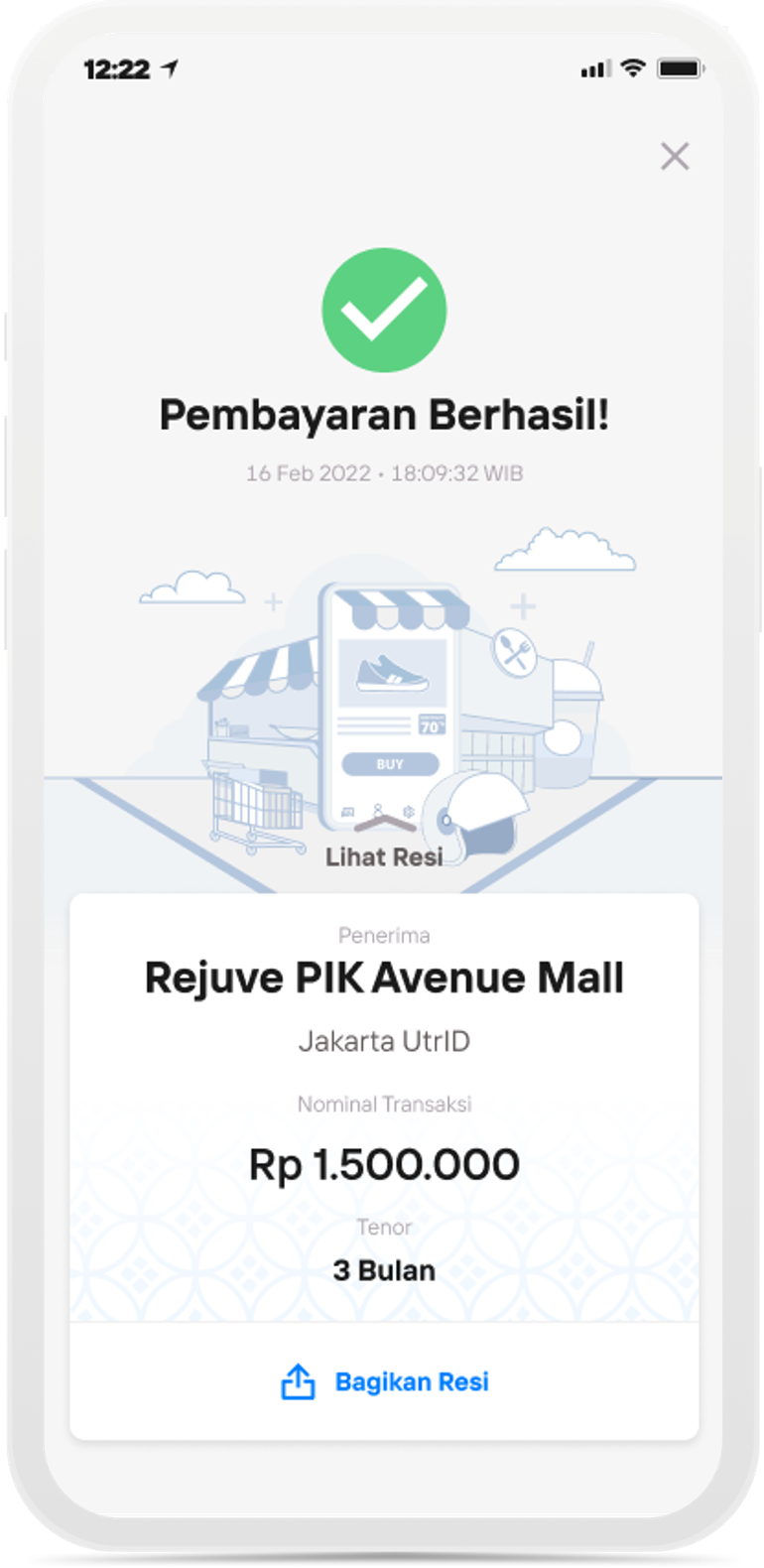
Payment Successful
Paylater Transactions on Sukha
1

Select Sukha
2
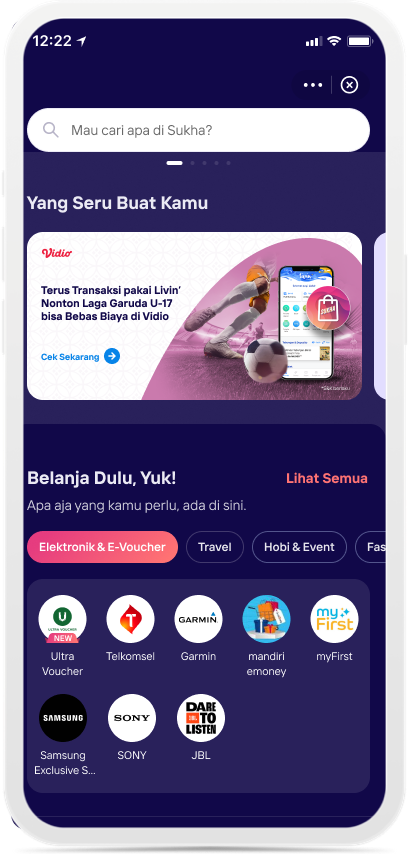
Select Mandiri e-money
3
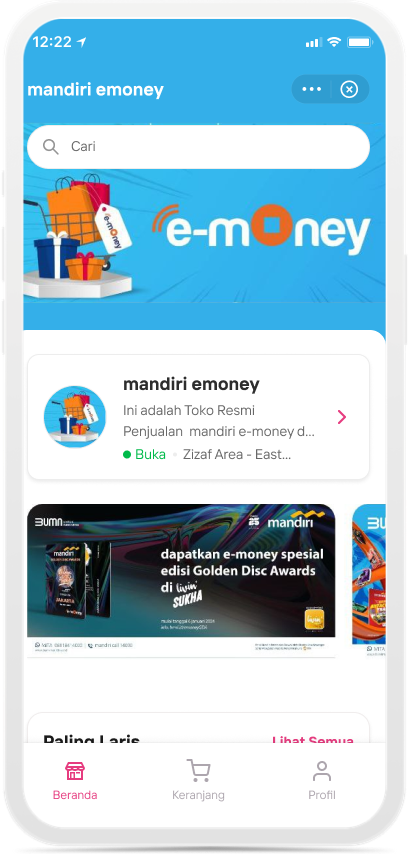
Scroll and select an e-money product
4
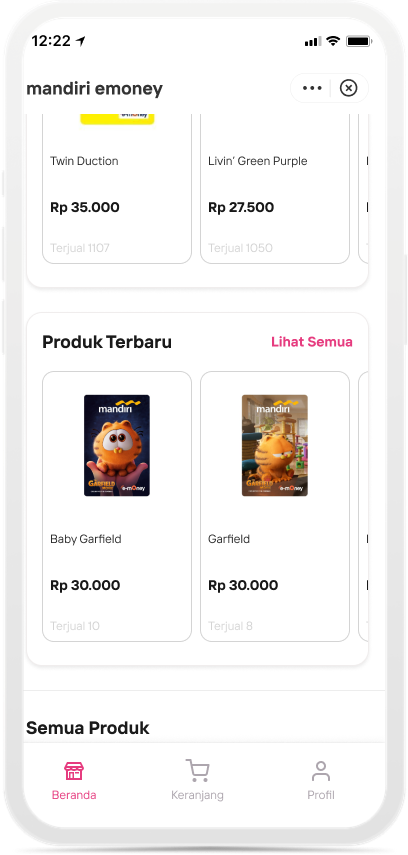
Choose your desired e-money
5
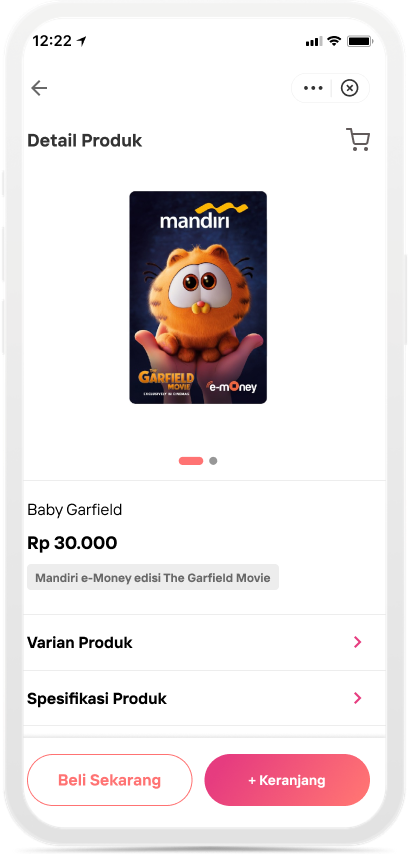
Select the Cart
6
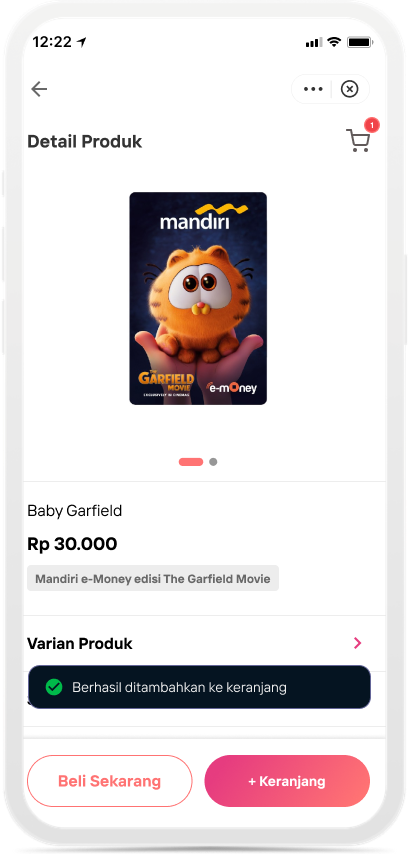
Successfully added to the cart, then select the Cart
7
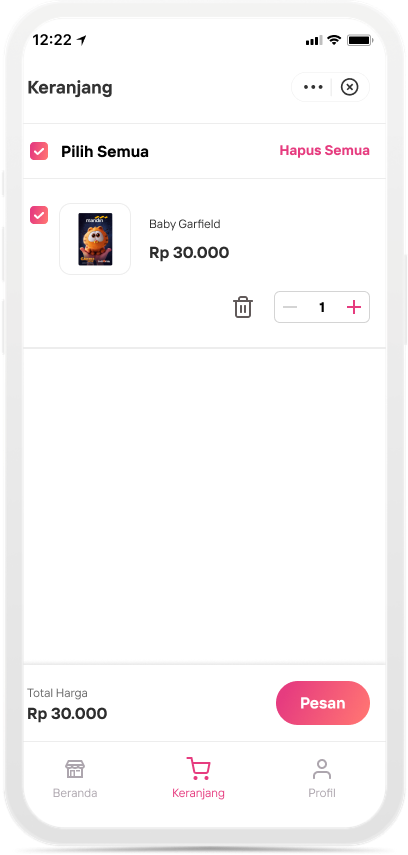
Choose Order
8
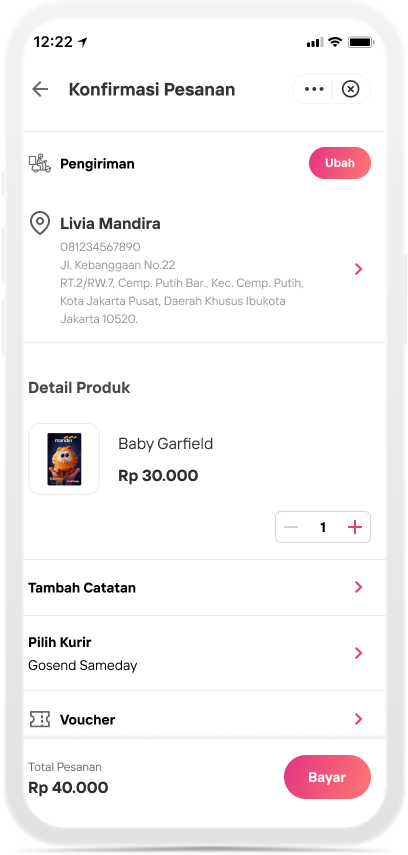
Choose Pay
9
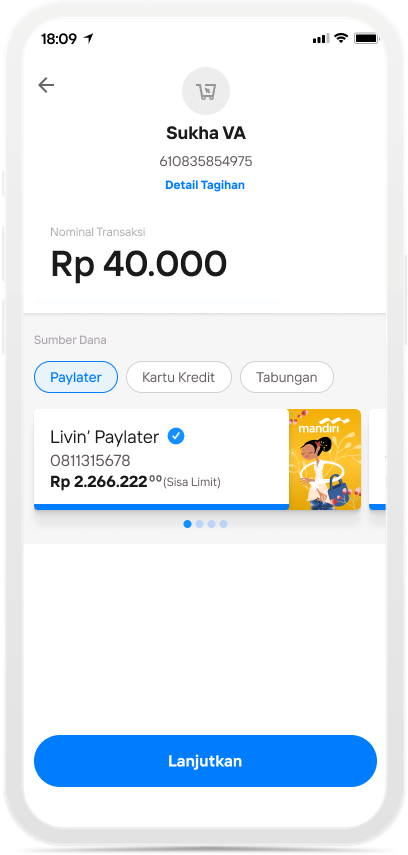
Choose Paylater as the funding source
Di mana pun, kapan pun, apa pun device kamu,
Download Aplikasi Livin’ by Mandiri
Dan dapatkan kemudahan dalam segala urusan finansial sekarang