



Cara Membuat Kartu Kredit Mandiri di Livin by Mandiri
01 - APPLY CC - DCAS
Apply for a Credit Card in Livin' by Mandiri
Find the right credit card for your needs and enjoy exclusive benefits. See how to apply here.

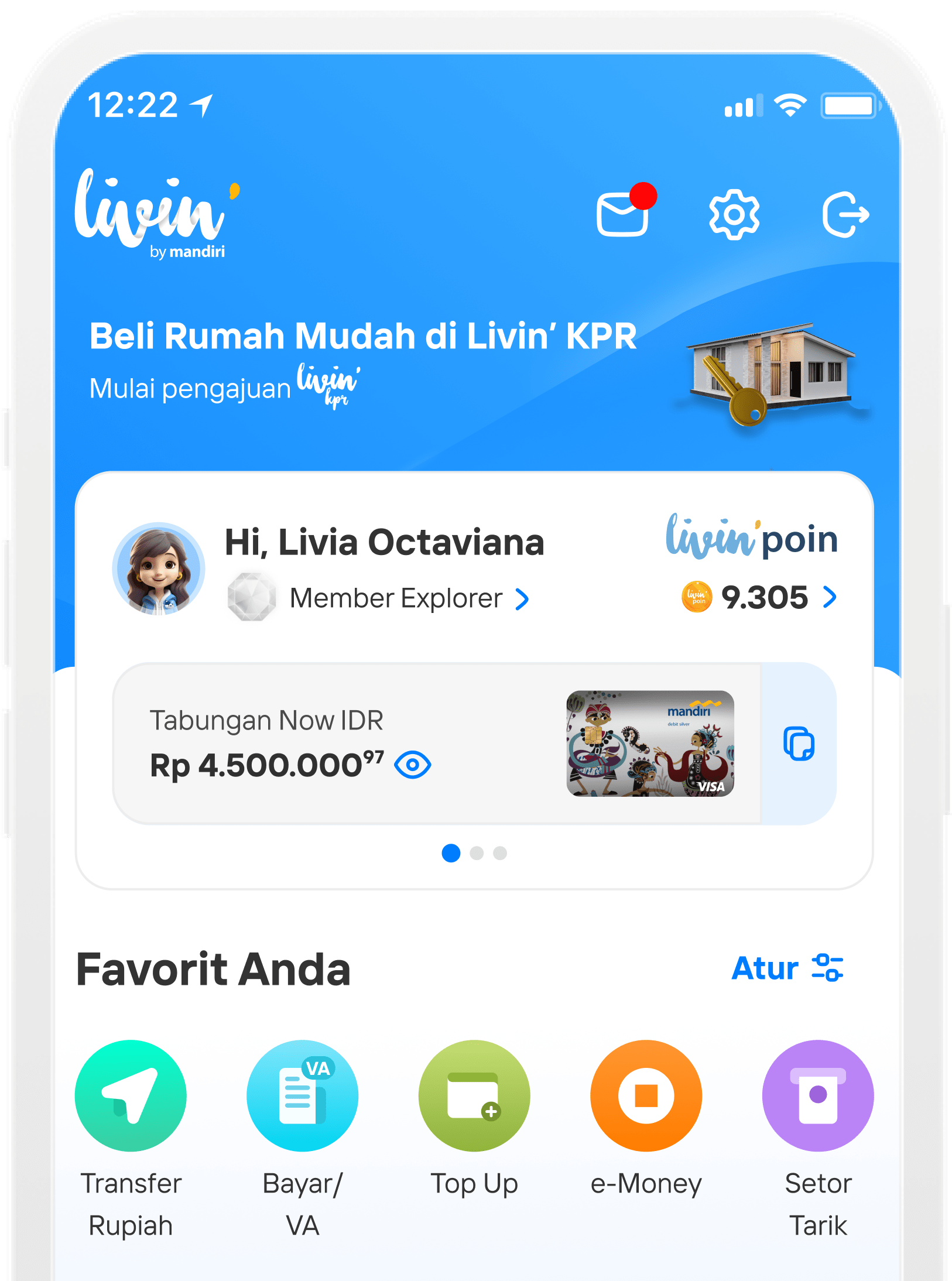
On the Home page, under ‘Featured Products’, tap ‘Livin’ Kartu Kredit’.

Choose one of the available credit card options.

See card details, then tap Apply.

Read the Terms and Conditions, and tap I Agree.

Enter your personal data information, then tap Next.

Enter your complete home address, then tap Next.

Enter your office address, then tap Next.

Enter some of your occupation details, then tap Next.

Enter NPWP details, then tap Next.

Enter some information about the emergency contact, then tap Next.

Choose your preferred card delivery address, then tap Next.

Review the details of your credit card application, then tap Next.

Enter Livin’ PIN.

Credit card application done!
Di mana pun, kapan pun, apa pun device kamu,
Download Aplikasi Livin’ by Mandiri
Dan dapatkan kemudahan dalam segala urusan finansial sekarang