



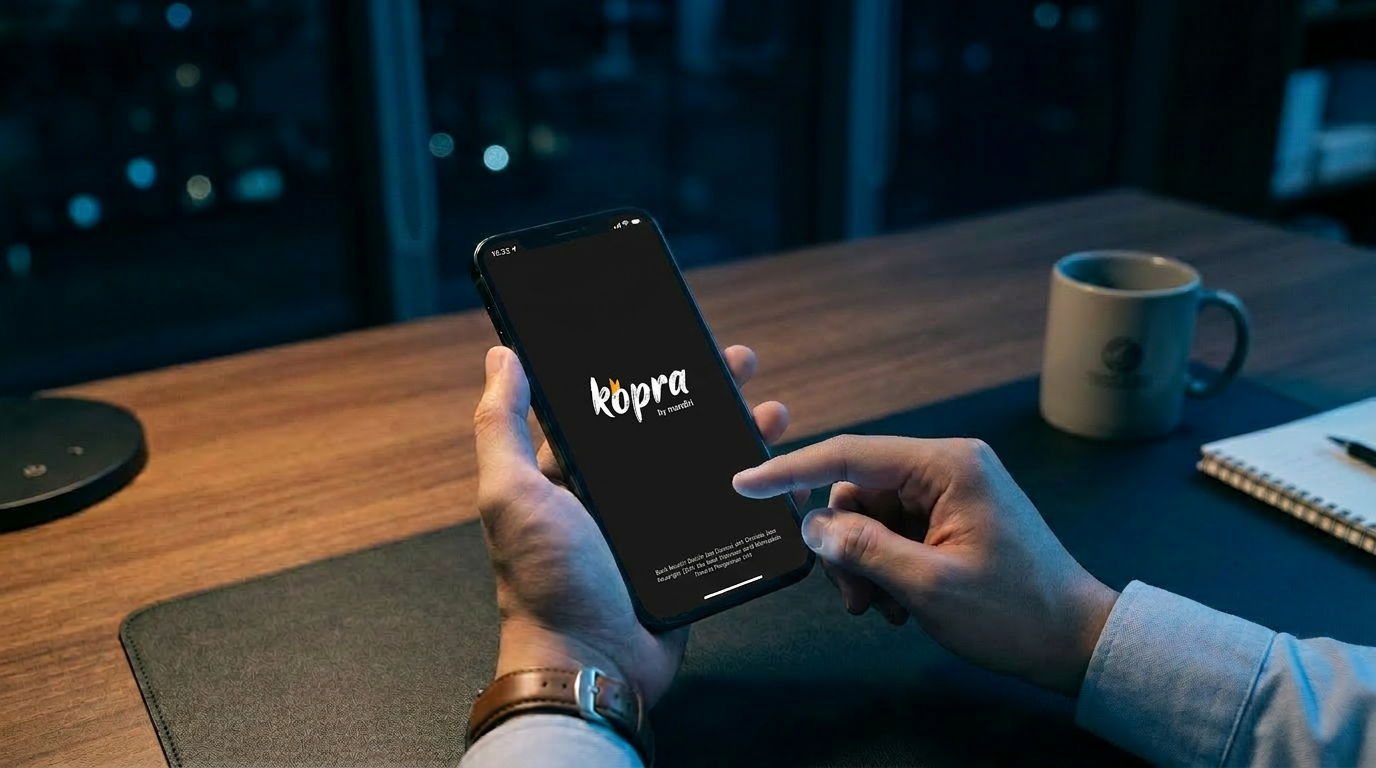
Kopra Mobile is the mobile application version of the Kopra by Mandiri platform that enables corporate customers to access company financial information, view foreign exchange rates, approve transactions, and make payments directly from their mobile devices.


Who can use Kopra Mobile?
This application is intended for transactional users of Cash Management and Trade services.
What are the benefits of using Kopra Mobile?
- Monitor account balances and download statements for multiple accounts in real time, anytime.
- Initiate multiple transactions simultaneously, such as transfers or payments, anytime and anywhere.
- Approve multiple transactions at once quickly via a one-step approval process using token authentication available directly within the app.
- Access Kopra Call services 24/7 directly from the app with no call charges.
What services are available in Kopra Mobile?
Kopra Mobile provides two main service features:
- Kopra Cash Management
- Kopra Trade
Through these services, you can:
- Access financial information
- Initiate Cash Management transactions
- Approve Cash Management transactions
- Verify the authenticity of Bank Guarantees
What are the requirements to use Kopra Mobile?
- Device meets minimum operating system requirements
- Have an active Kopra User ID
- Registered mobile number and National ID Number (NIK) have been updated via sysadmin or bank
- NIK is required for facial verification during first-time activation
Are there any fees for using Kopra Mobile?
There is no fee for using the application. Charges only apply based on the type of transaction during the approval process.
The only cost involved is the SMS service charge. Please ensure that your mobile number is still active, can receive SMS messages from the Bank, and has a minimum credit balance of Rp875 for each OTP code sent via SMS. The OTP code for verification will be sent via SMS to the mobile number you have registered.
Where can I download Kopra Mobile?
Kopra Mobile can be downloaded from the Google Play Store for Android devices and the Apple App Store for iOS devices.
What is the minimum operating system required?
Minimum OS requirements: iOS 14 or above, or Android 11 or above.
Do I need to request a new User ID to log in?
No. You can log in using your existing Kopra by Mandiri account with a transactional user role (maker, approver, releaser).
Can one User ID be used on multiple devices?
No. One User ID can only be linked to one active device for security purposes.
How do I view transaction history?
- Swipe down on the Kopra Mobile home screen
- Click “See All” on the Account Balance widget
- Select the desired account
How do I monitor transaction status?
Click on the transaction card to view detailed transaction status.
How do I approve transactions?
- Select a task on the transaction card
- Click “Proceed”
- Click “Validate Approval”
- Enter token PIN if token is activated in Kopra Mobile
- If not, enter OTP response code from:
- Mandiri Mobile Token, or
- Hard Token
Note: Approval feature is only available for users with Approver role.
Can I use biometrics to log in?
Yes, you can. Biometric features (fingerprint or face recognition) are available to users who already have an active token in Kopra Mobile. Enable biometrics via the Settings menu to simplify the login process to the app.
How do I change PIN, password, phone number, or email?
After login and token integration, go to Settings > Security Settings to update your information.
This feature supports self-service account management with additional authentication (2FA).
What should I consider when using Self-Service Account Management?
- Use a secure and trusted personal device
- Ensure device is not jailbroken (iOS) or rooted (Android)
- Keep OS updated
- Ensure registered phone number and email are active
- Maintain sufficient phone credit for OTP SMS
- All changes trigger email confirmation notifications
- Contact the Bank immediately if you receive unauthorized change notifications
Why is it important not to share password, OTP, or PIN?
These credentials are the main security layers protecting your account and transactions.
Sharing them may lead to unauthorized transactions, fund theft, or misuse of personal data.
What are the password requirements?
- Minimum 8 characters
- At least 1 uppercase letter
- At least 1 lowercase letter
- At least 1 number
- At least 1 special character
- No repeated characters (>2 times, e.g., 111, aaa)
- No sequential characters (>2, e.g., 123, abc)
- Must not reuse last 5 passwords
For assistance, contact Mandiri Call 14000.
How do I maintain account and transaction security?
- Do not click suspicious links claiming to be from Bank Mandiri
- Never share password or OTP
- Always verify through official Bank Mandiri channels
- Only access official website: koprabymandiri.com
- Download the app only from official app stores
What are the potential risks of using Kopra Mobile?
- Data Security Risk (cyber attacks or unauthorized access)
- Unauthorized Access Risk (misuse of credentials)
- Internet Dependency Risk (unstable connection may delay transactions)
- Security Compliance Risk (weak password practices)
- Regulatory/System Changes Risk
What should I do if the app cannot be accessed?
- Check internet connection
- Restart the app
- Update to the latest version
If issues persist, contact Mandiri Call 14000 or your Relationship Manager.
What can I do if I experience issues?
- Use in-app VOIP (Voice Over Internet Protocol) call
- Visit nearest Bank Mandiri branch
- Call Mandiri Call 14000
- Email: kopra@bankmandiri.co.id
Where can I check LPS guaranteed deposit value and interest rates?
You can check the latest information on the official LPS website: https://apps.lps.go.id/BankPesertaLDPSRate.